
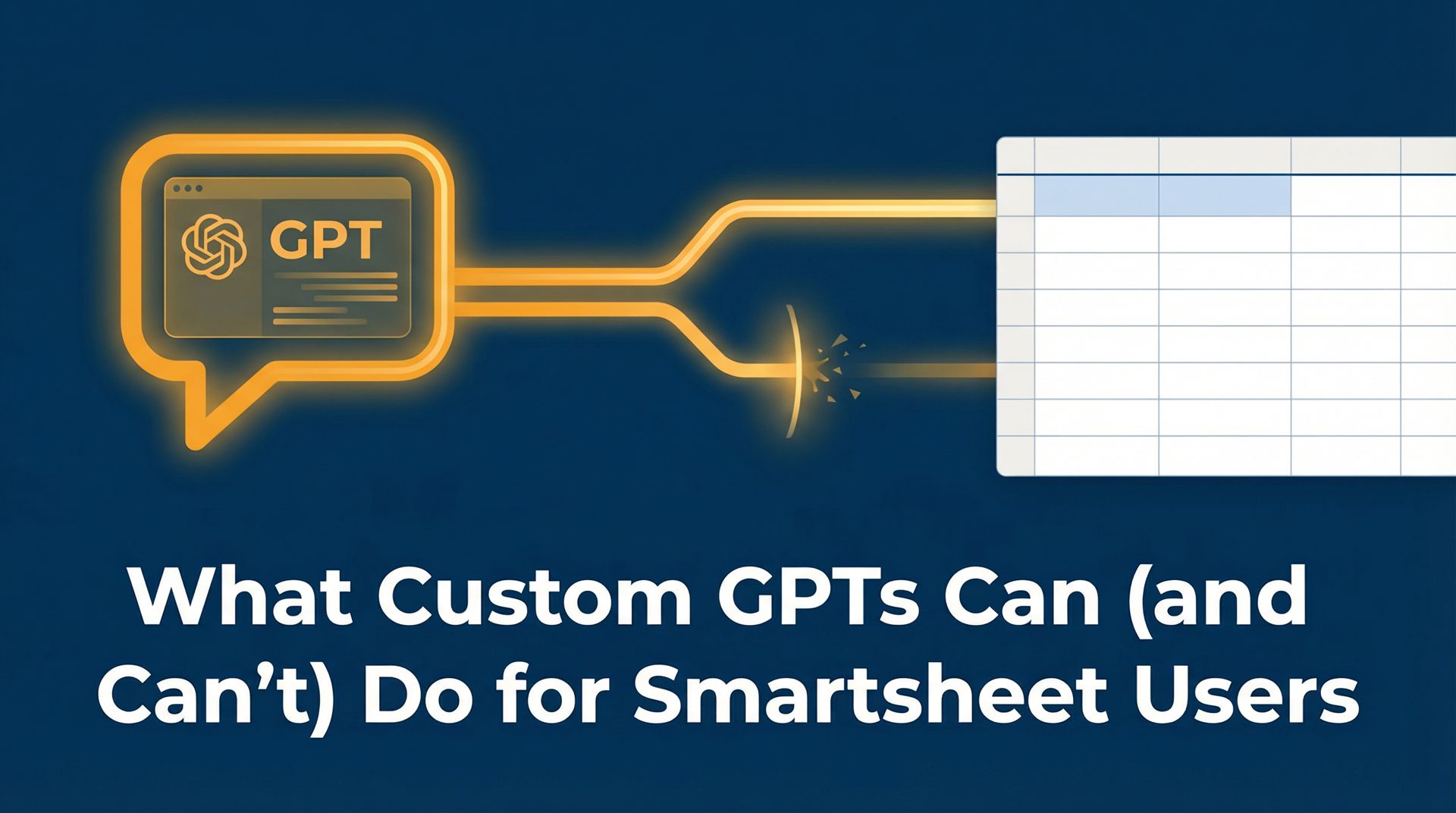
What Custom GPTs Can (and Can't) Do for Smartsheet Users
January 01, 2025•4 min read
Artificial Intelligence is rapidly changing how we manage work, and Smartsheet users are increasingly looking for ways to integrate AI into their daily routines. While Smartsheet has begun rolling out its own native AI features, many teams are discovering the immense value of Custom GPTs—specialized AI assistants built on platforms like OpenAI’s ChatGPT, designed to handle specific, repetitive tasks.
However, there is a lot of noise surrounding AI. It is easy to assume that a Custom GPT can magically fix a broken workflow or manage a project entirely on its own. To get real value out of these tools, it is crucial to understand exactly what they can do, and just as importantly, what their limitations are.
What Custom GPTs CAN Do
When configured correctly, Custom GPTs act as highly efficient assistants, taking over the manual, time-consuming tasks that often bog down project managers and team leads.
1. Structure Raw Intake Data
One of the most powerful use cases for a Custom GPT is transforming messy, unstructured requests into clean, Smartsheet-ready data. Imagine receiving a rambling email from a stakeholder requesting a new project. A Custom GPT can be trained to read that email, extract the key details (project name, deadline, budget, key deliverables), and format them into a structured output that perfectly matches your Smartsheet intake form. This eliminates the back-and-forth usually required to gather missing information.
2. Draft Plain-Language Status Updates
Writing weekly status reports is a tedious chore. A Custom GPT can take a raw export of your Smartsheet project tracker—complete with task statuses, blockers, and upcoming milestones—and instantly draft a polished, professional summary tailored for leadership. It can highlight what was accomplished, flag areas of concern, and outline the next steps, saving hours of manual writing.
3. Evaluate Priorities Objectively
When a team is overwhelmed with requests, deciding what to tackle first can be difficult. A Custom GPT can be programmed with your organization’s specific prioritization framework (e.g., assessing impact vs. effort, or alignment with quarterly goals). By feeding a new request into the GPT, leaders can receive an objective recommendation on its priority level, complete with the reasoning behind the score.
4. Identify Potential Blockers
By analyzing project schedules and dependencies, a Custom GPT can act as an early warning system. If you provide it with a list of upcoming tasks and resource allocations, it can flag potential conflicts—such as a key team member being overbooked, or a critical dependency that is likely to delay the timeline—before they become actual problems.
What Custom GPTs CAN’T Do
While these capabilities are impressive, Custom GPTs are not a silver bullet. Understanding their limitations is essential for setting realistic expectations.
1. Fix a Broken Smartsheet Architecture
If your underlying Smartsheet configuration is a mess—if sheets are disconnected, data is inconsistent, and workflows are failing—a Custom GPT cannot fix it. AI relies on structured, accurate data to function effectively. If you feed a GPT garbage data from a poorly designed sheet, it will simply generate garbage output faster. A solid architectural foundation is a prerequisite for successful AI integration.
2. Make Strategic Business Decisions
A Custom GPT can evaluate data against a framework you provide, but it cannot understand the nuanced, human context of your business. It doesn’t know about the delicate political dynamics between departments, or the unspoken strategic shift discussed in a closed-door meeting. AI can provide recommendations, but the final strategic decisions must always remain in the hands of human leaders.
3. Automatically Update Smartsheet (Without Integration)
Out of the box, a standalone Custom GPT cannot directly log into your Smartsheet account and start moving rows or changing statuses. While API integrations (using tools like Zapier or Make) can bridge this gap, a basic Custom GPT operates by taking input from you and providing output that you must then act upon. It is an assistant, not an autonomous agent.
The Verdict
Custom GPTs are incredibly valuable tools for Smartsheet users, provided they are used for the right tasks. They excel at processing text, summarizing data, and applying consistent frameworks. By offloading these manual chores to AI, teams can free up their time to focus on what truly matters: strategy, leadership, and delivering results.
Want Help Putting This Into Practice? OmniFlowDigital works with teams who are already in Smartsheet and want it to actually function as their system of record. If that sounds like you, let’s talk. Book a Free Call
SmartsheetAIGPTautomationcustom GPTChatGPTworkflow
 OmniFlowDigital
Back to top